TLDR;
Create, iterate on, and compare prototypes: mobile apps, web and desktop apps, single pages, components, flows, landing pages, ads, slide decks. Every one of them in the design system it derived for your project.
What it does
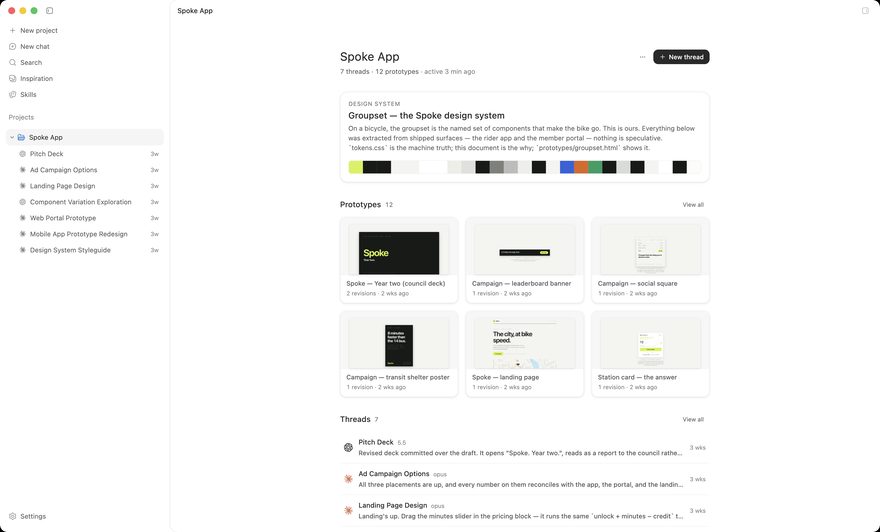
- 1Starts from what you have. Point it at a codebase, a Figma file, an image, a DESIGN.md, or pick a system from the built-in catalog.
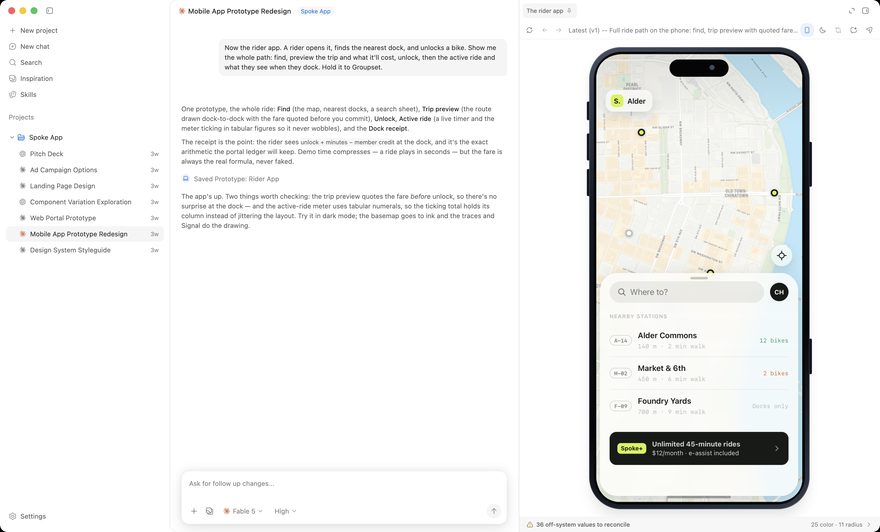
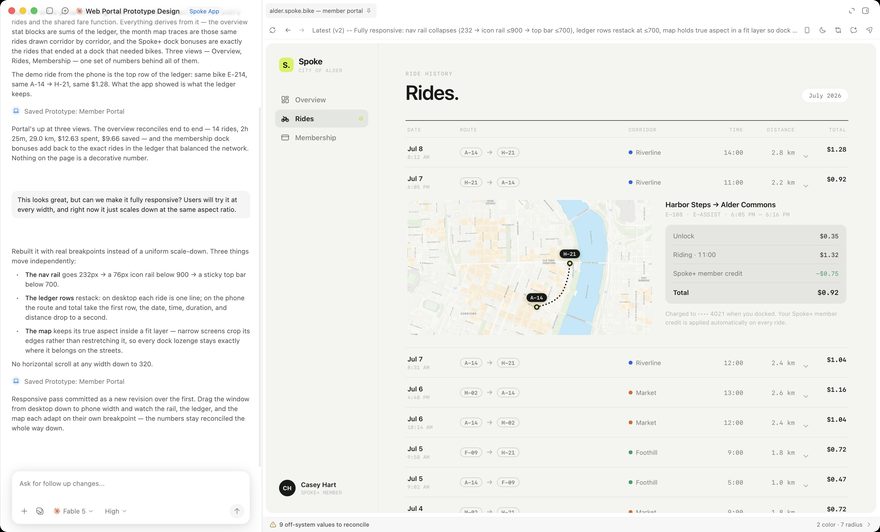
- 2Designs in your system. Prototypes are real HTML wired to your tokens, not pictures of it.
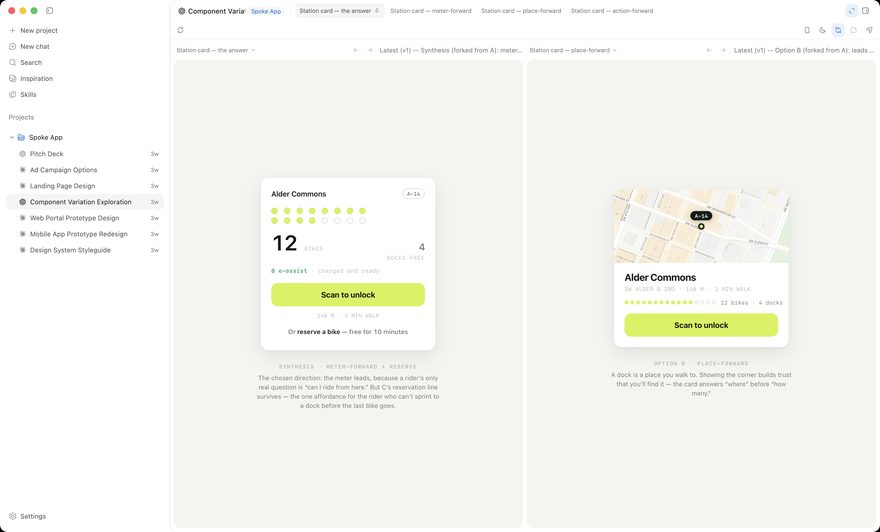
- 3Lets you change your mind. Comment on the exact element, fork a direction, compare options side by side, keep what wins.
- 4Hands off cleanly. One push writes a build pack into your repo. Your coding agent implements it from there.
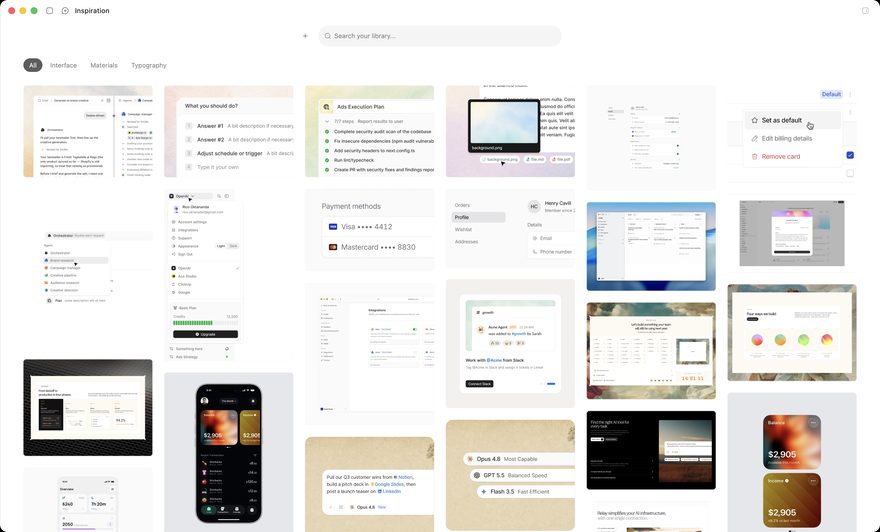
- 5Comes with taste. Design-engineering skills for direction, typography, color, motion, and accessibility ride along with every project, and the references you save become a library both you and the agent can search.
What it needs
A Mac, and a subscription you already have: Claude Code, Codex, Cursor, or OpenCode. DesignEx works with your existing account.
An iOS companion app lets you review prototypes and leave comments away from your desk.
What it is not
It is not another coding agent. Yours is already excellent at building. It is just not a place to look at design, weigh two directions against each other, or change your mind cheaply. That part is DesignEx.
It is not a mockup tool. The prototype is real markup in your real tokens, so nothing has to be redrawn or translated later.
Status
DesignEx is a research preview. It is early, it is Mac-only, and rough edges remain. If that is acceptable, it is ready to use today.
The prototype is the spec.